
Send more than words
Text, images, audio, video and documents in one queue for WhatsApp and WhatsApp Business.
IYONG TELEPONO. IYONG GATEWAY.
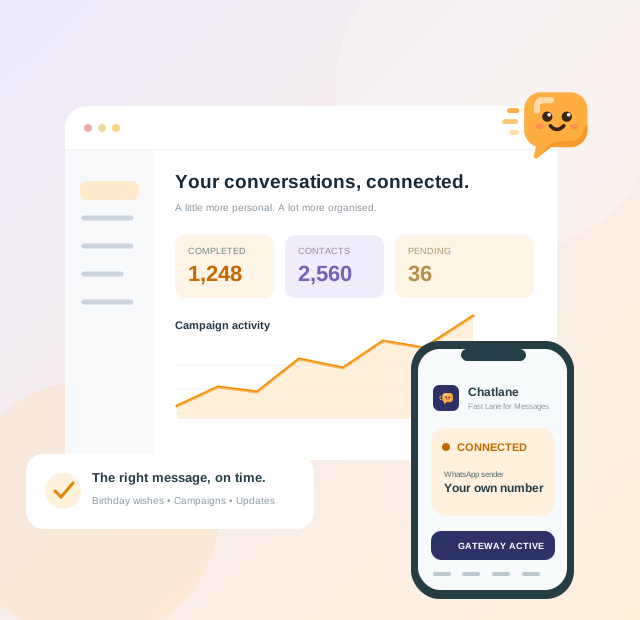
Plan campaigns, organise contacts and send birthday wishes from one workspace. Your Android phone does the sending.
Mga tampok
Plan campaigns, organise contacts and send birthday wishes from one workspace. Your Android phone does the sending.
Text, images, audio, video and documents in one queue for WhatsApp and WhatsApp Business.
Labels, personalisation and scheduling keep your contacts and campaigns organised.
Delivery status, searchable logs and CSV reports show your progress.
Celebrate your contacts with birthday wishes from an active Pro number.
Run every branch or team number from one account. Taking over a used number? Its history follows the number.
Queue messages from your store, CRM or server with a simple HTTPS API.
01 / 02 / 03
Choose WhatsApp or WhatsApp Business, verify your sender and complete Phone setup.
Request the number in your account and approve it on the phone. Add as many numbers as you need.
Import contacts with permission, schedule a campaign and watch the queue.
Presyo
Start free with 1 Free number. Need more numbers or features? Upgrade only the numbers that need Pro and pay just for the days you use.
Forever. No card needed.
Essential messaging with the default server.
Malaysia
Pay with Card
Other countries
Pay with Card
Birthday automation, developer API, custom server and a higher daily limit.
Yes. Keep the gateway running with internet access and Accessibility enabled. Your phone sends the messages.
Yes. Choose the installed app in Phone setup and verify its sender number.
Each sender number has its own plan. Pro unlocks birthday wishes, the API, a custom server and a higher daily limit.
The Free plan includes 1 Free number. Add more by upgrading numbers to Pro; Pro numbers have no limit. Each number needs its own Android phone running the app.
Request the number and approve it on the phone. Its history moves to your account and you decide to keep or reset it. The previous account loses access.