Press any button. From anywhere.
Fredo turns the switches you already own into smart ones. No rewiring, no new appliances — just tap on your phone.
Small devices. Big convenience.
Every Fredo device connects to your WiFi and is controlled from one app.
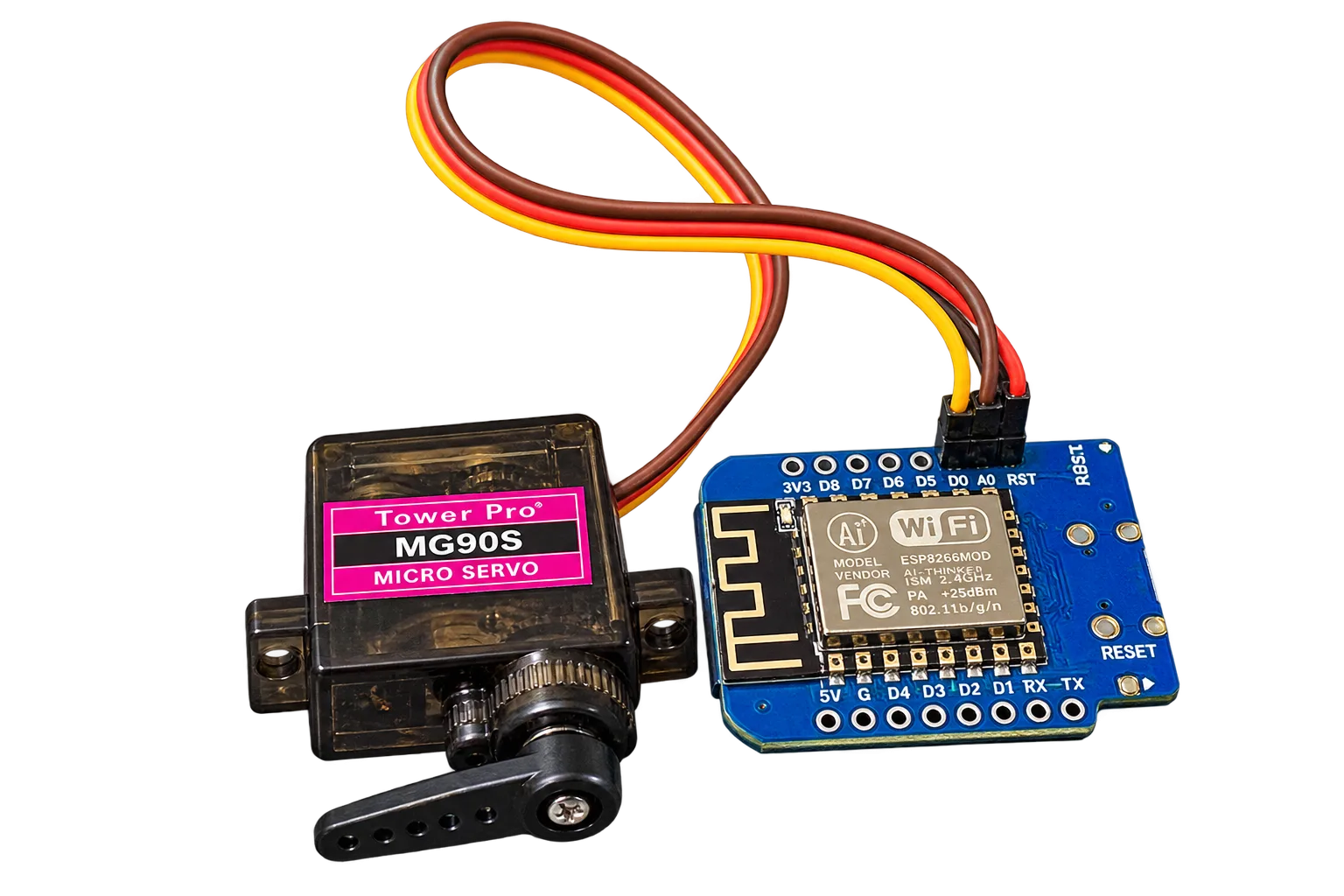
Currently in prototype stage
Our devices are being tested with early users. Join early access to try them first, share feedback and help shape the final product.
Ready in three steps
No tools, no rewiring and no technical knowledge needed.
Mount it
Stick the device next to the button you want to press — a PC power button, a switch, anything.
Connect to WiFi
Join its setup network from your phone, pick your WiFi and create a PIN. Done in a minute.
Press from anywhere
Tap in the app, set schedules, or trigger it from your own scripts through the API.
Everything you need, nothing you don't
Remote press
Press the button from anywhere with a single tap, with live confirmation.
Schedules
Turn your PC on every weekday morning automatically.
Local Hub
Group devices on your network and press them all at once.
Developer API
Integrate with Home Assistant, scripts or your own apps.
Private by design
PIN-protected local app and per-device pairing codes.
Over-the-air updates
New features arrive automatically — no cables needed.
Be the first to try it
Leave your details and we'll reach out when a prototype unit is available for you.
- Priority access to prototype units
- Direct line to the team for feedback
- Early-supporter pricing at launch
Questions, answered
What does a Fredo device actually do?
It physically presses a button for you — like your computer's power button — using a small motor. You control it from your phone, a schedule or an API.
Do I need to open my PC or change any wiring?
No. The device sits next to the button and presses it the same way your finger would.
Does it work without internet?
Yes, on your local network you can open the device's own app directly. Remote control from anywhere needs an internet connection.
What does "prototype" mean?
The product works and is being tested with early users. Hardware and features may still change before the final release.
Is my device secure?
Each device has a unique pairing code, the local app is protected with your PIN, and the portal only accepts commands from your account.
Which WiFi networks are supported?
Standard 2.4 GHz WiFi with WPA/WPA2. Most home routers broadcast 2.4 GHz by default.
Ready to make your buttons smarter?
Create a free account to manage your devices from anywhere.
Get started